
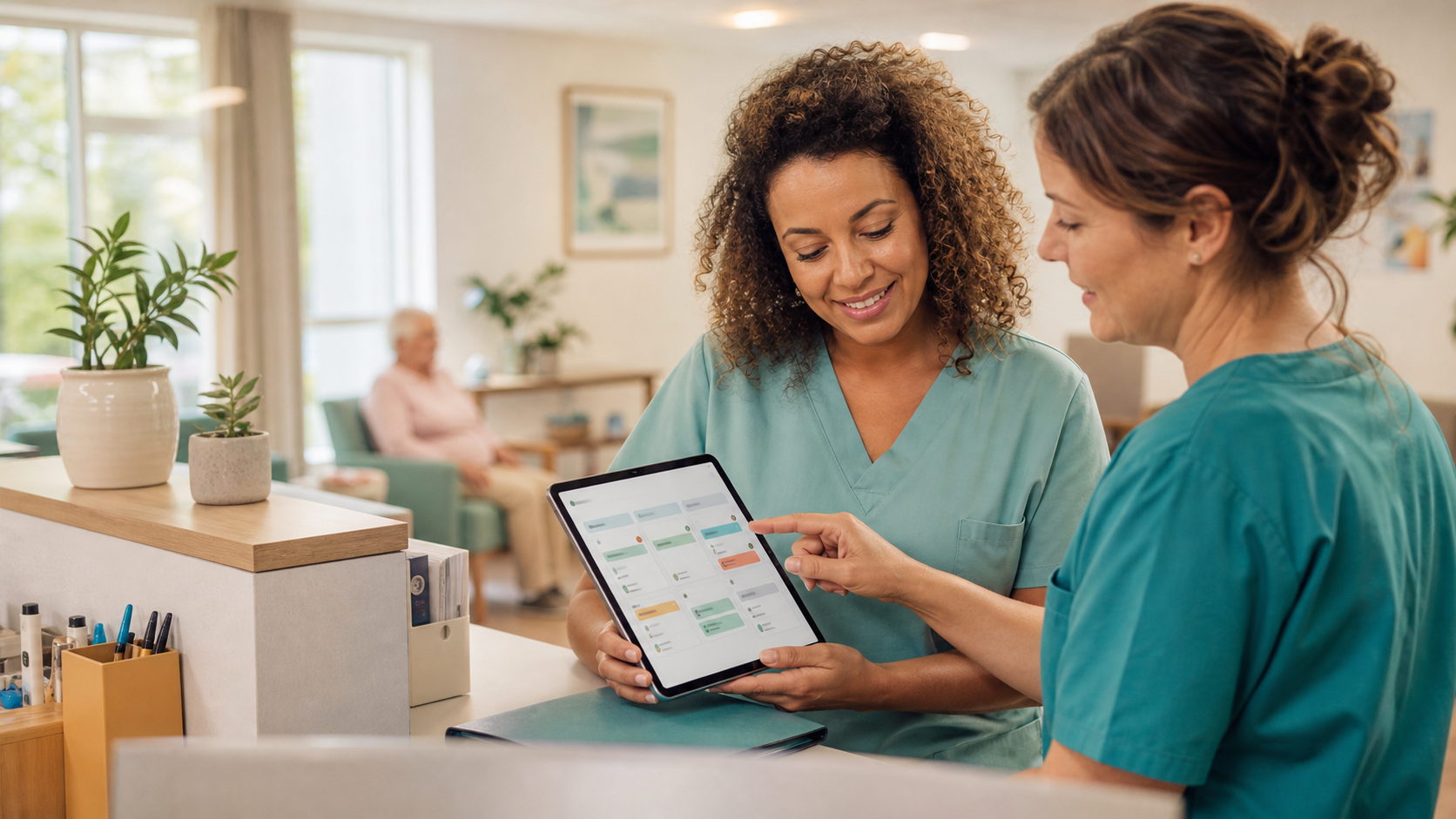
Care home teams work in an environment shaped by routines, unexpected events and handovers. Even when the team is experienced, scattered information can create confusion: a forgotten task, a delayed follow-up, or a manager who has to check the same thing several times.
A dashboard does not replace people
A dashboard is not meant to turn a team into a machine. Its role is to make organization easier to read. Managers keep their judgment, teams keep their know-how, but everyone shares a common view of priorities and actions in progress.
See the day's tasks at a glance
The first value is visibility. A daily view can show planned tasks, completed tasks, open items and actions that require attention. It helps move from verbal follow-up to shared follow-up without multiplying messages.
Make handovers easier
Shift changes are often sensitive moments. When information lives only in a conversation or notebook, it can be incomplete or hard to retrieve. With a simple tool, important points remain visible: what was done, what must continue and what needs verification.
Inform members without extra workload
The same tracking can also help prepare periodic reports for members or families. Instead of starting from a blank page, the organization can turn tracked tasks, completed actions and important points into a clear summary. This transparency builds trust and reduces repeated requests for information.
Examples of tasks to track
- Opening and closing checks.
- Cleaning, light maintenance and internal verifications.
- Administrative follow-ups and reminders to managers.
- Weekly or monthly reports for members and families.
- Internal requests, non-urgent incidents and corrective actions.
Create a useful trace, not extra administration
The danger of a poorly designed tool is adding work. That is why the first objective must remain simple: allow a person to understand quickly what is happening. Good tracking should be quick to update, easy to read and useful for decisions.
Measure improvement
After a few weeks, the indicators to watch are practical: fewer forgotten tasks, fewer reminders, better handovers, more confidence for managers and better preparation for meetings. If these points improve, the dashboard is already creating value. If periodic reports become easier to send, that value also becomes visible to members and families.
In a care home, successful digitization is not always spectacular. It is visible in calmer organization, clearer responsibilities and a team that knows where to focus its attention.